Application Load Balancer DNS
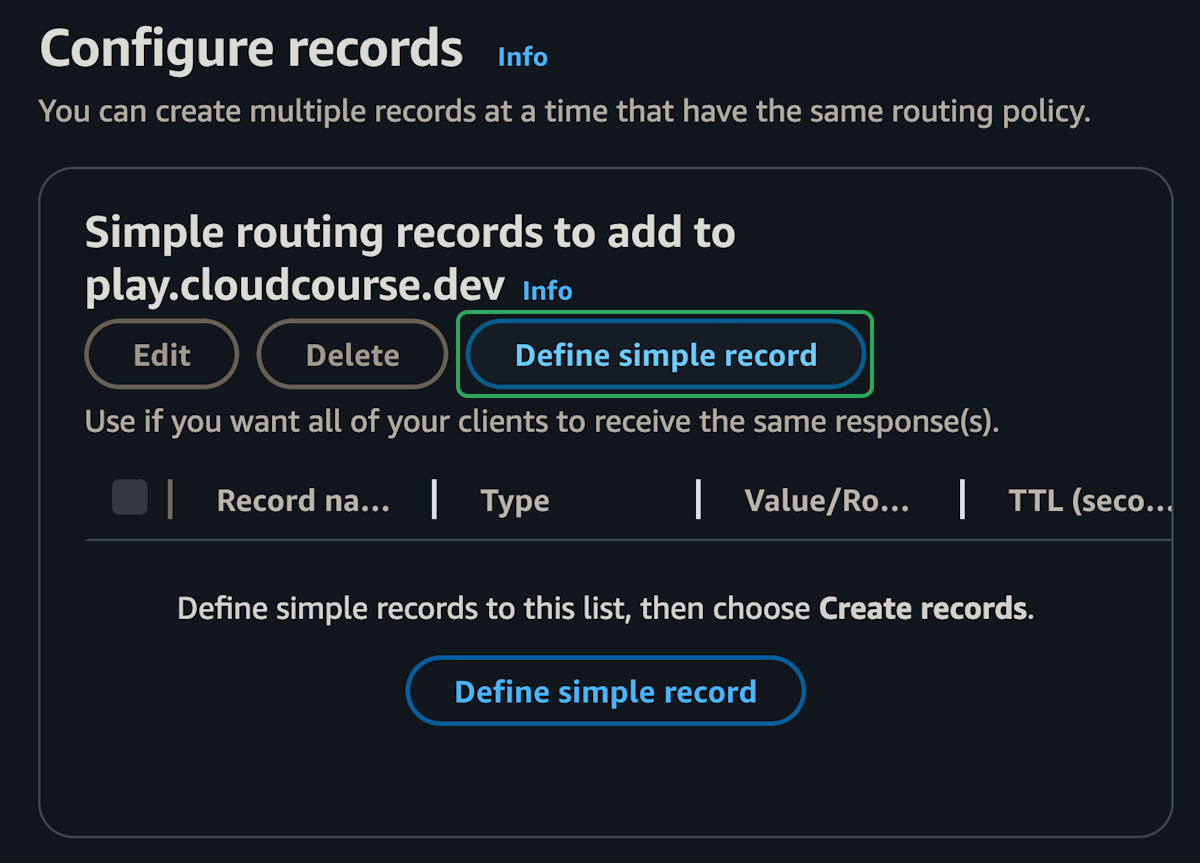
In this part, we will start by creating a DNS record for the load balancer in Route 53. Then we will setup a TLS certificate and allow HTTPS traffic to the load balancer.
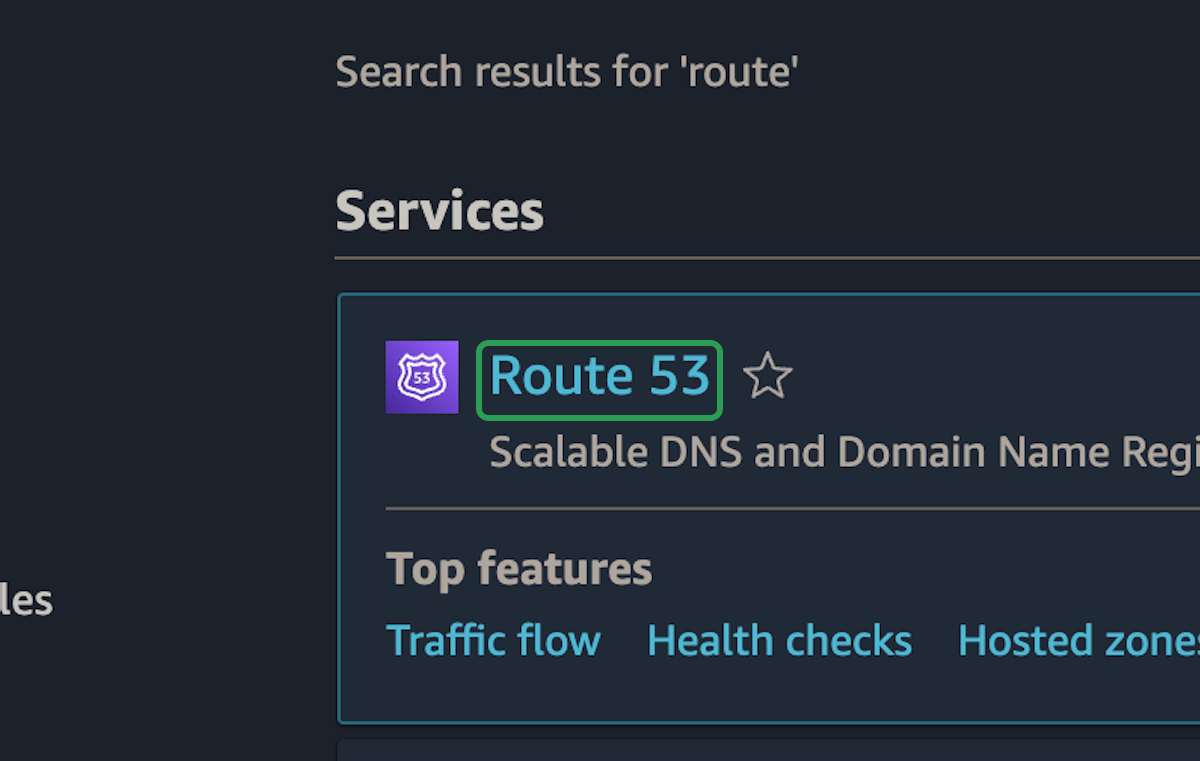
Route 53
step 1:
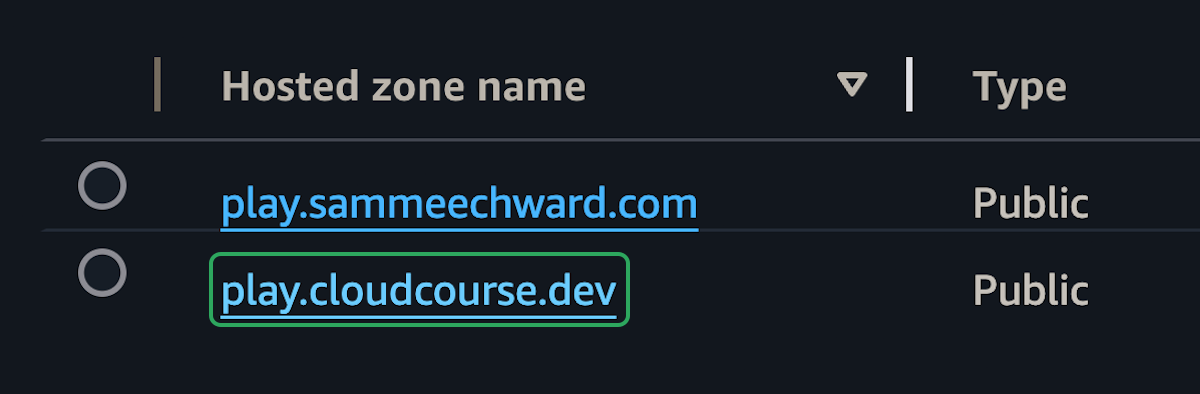
step 2:
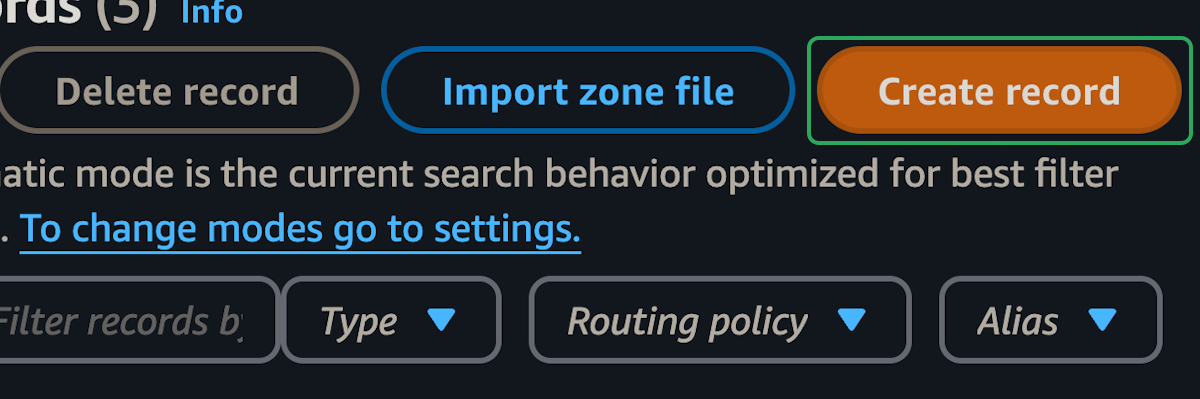
step 3:
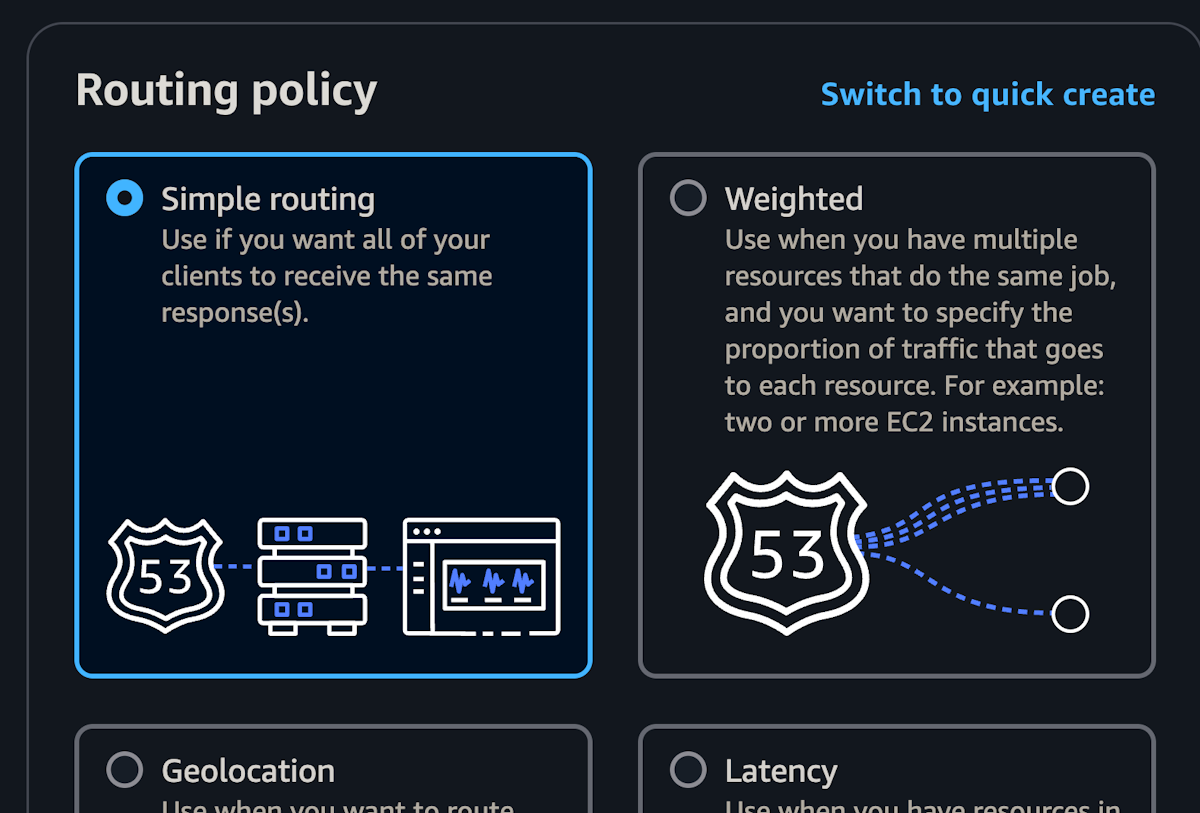
step 4:
step 5:
In this part, we will start by creating a DNS record for the load balancer in Route 53. Then we will setup a TLS certificate and allow HTTPS traffic to the load balancer.